


About a year and a half ago, I returned to the world of Dungeon Mastering after a prolonged absence from role-playing in general. In fact, I am in my early 50s now, and I hadn’t played a tabletop RPG since I was in my teens.
This all came about when a then coworker and I realized that we both had a desire to get back into the hobby, and that we had enough other friends who were interested to fill out a gaming group.
I volunteered to be the DM, not realizing that I had a lot more free time for prep work in my teens than I do as an adult.
We started into “Dragon of Icespire Peak” the old fashion way: with the boxed set, physical dice, paper character sheets, and a lot of erasing.
I work in IT, so I had always been fascinated with the idea of potentially using technology to support the gaming experience. D&D Beyond seemed like a logical starting place, and I signed up for a DM account so that I could share source books with the party, and soon we were using digital books, character sheets, and dice like pros.
As great as the service was for streamlining gameplay, it didn’t help me in one key area – preparation. While it was extremely helpful to be able to hyperlink within the module, and being able to cross reference rulebooks with a click was amazing, what I really needed was a way to help me generate descriptions and dialog in advance of a session. This had always been the biggest prep work time sink for me.
We have been using AI tools at work for a few years now, so I knew that a Large Language Model (LLM) such as ChatGPT might be exactly what I needed.
I auditioned several of the major services offering LLMs, and they all were able to aid me in my quest for better descriptive text to one degree or another. Most of the services however, required that I copy/paste the text of the entire module chapter I was working on in order to have enough context for the description to be relevant. That’s when I stumbled across Copilot in Microsoft’s Edge browser.
Microsoft has tightly integrated Copilot into their web browser as a sidebar where you can chat and pose questions for all of your GenAI needs.
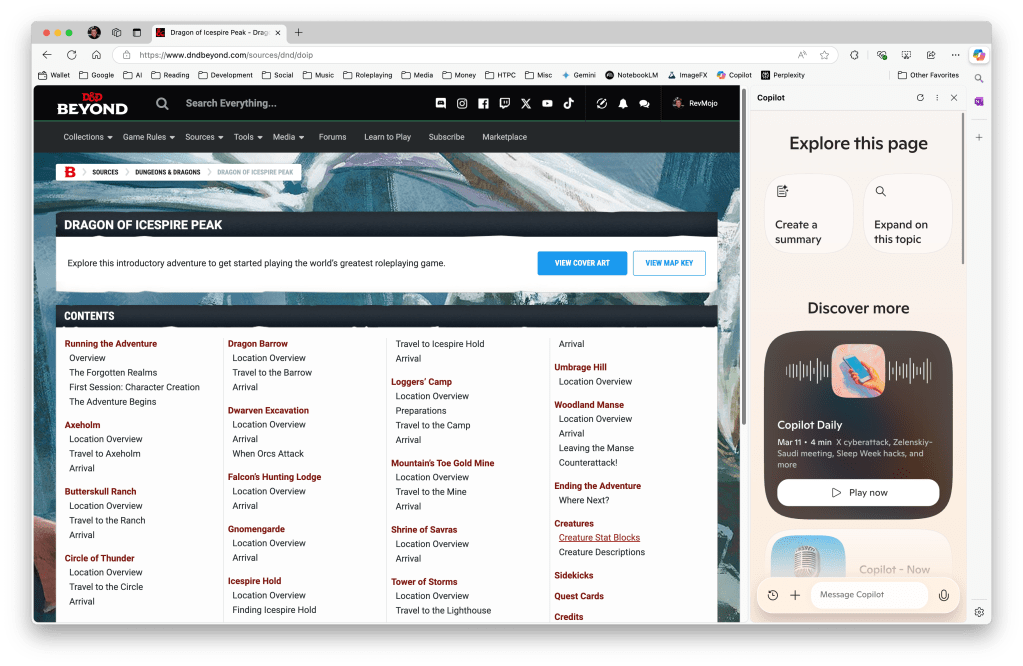
The power of Microsoft’s implementation of Copilot isn’t just the convenience of having it in a sidebar, however. The power comes from the fact that the sidebar is context aware – it understands the content on the page you have open.
In the case of an adventure module, you can take a fairly nondescript section description such as this excerpt from the Gnomengarde chapter of DOIP …
G3. Dining Room
This room contains several dining tables and chairs sized for Small folk. A stout wooden cabinet against the east wall holds tin dishware and utensils.
… and create a description truly worthy of a gnomes dining room, using a simple prompt: “Given the content on this page, generate some descriptive text for me to read to my players for section G3.”
G3. Dining Room
You enter a cozy dining room filled with the hum of recent activity. Several dining tables and chairs, all sized for Small folk, are arranged neatly, ready to accommodate the gnomes’ daily meals. The atmosphere is warm and welcoming, a stark contrast to the dangers that lurk elsewhere in the complex. A stout wooden cabinet against the east wall catches your eye, its shelves lined with tin dishware and utensils that clink softly with the vibration of the nearby waterfall.
As you look around, you can almost imagine the gnomes gathered here, sharing stories and laughter over their simple yet hearty meals. The aroma of freshly baked green mushroom bread and the faint, earthy scent of mushroom wine lingers in the air, hinting at the unique culinary habits of Gnomengarde’s inhabitants.
Here Copilot has filled in details using insights that it has gathered from other locations in the chapter to fill in the gaps, save me some time, and help me create a more immersive experience for my players. Should a section have plot devices such secret doors, you can easily specify to Copilot that players will be unaware of certain things unless they pass a perception check. Or perhaps they need to pass a dexterity check to avoid becoming the victim of a devious trap. Copilot can handle any conditional I have given it so far.
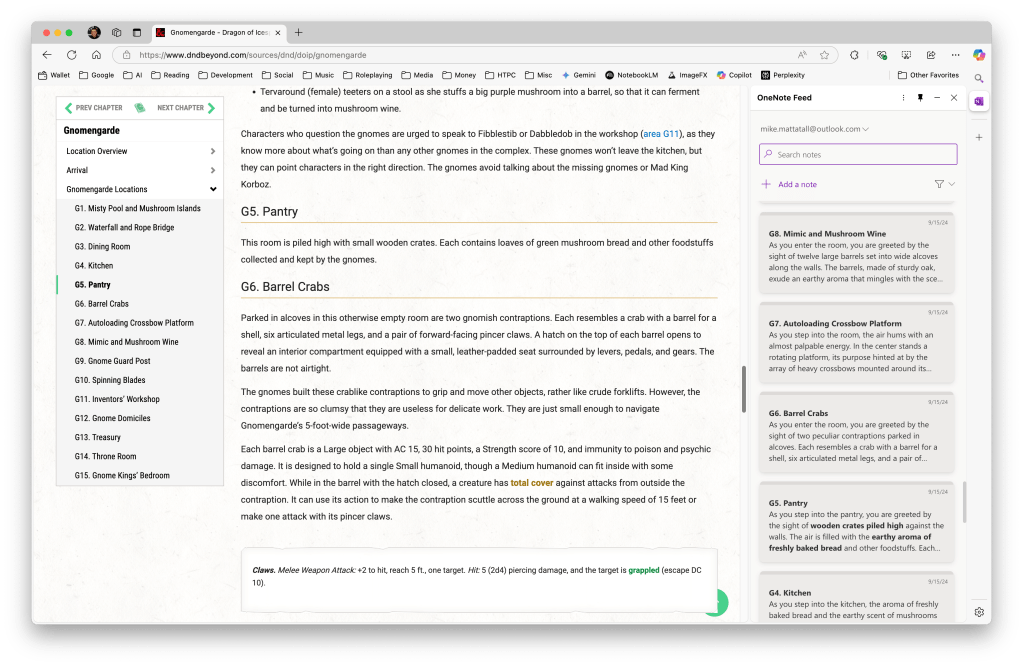
Coupling this feature with the OneNote sidebar gives you a handy and streamlined experience for organizing your descriptive information into notes to be called up alongside of the adventure while you play. Extremely handy!
There you have it. A simple use case using AI to make your life as a DM that much easier.
Roll on!
 AI Dungeon Master Tools
Leave a comment